Every party detail in one online invitation.
Design it, share the link and see who is coming. Guests have nothing to install.
Make an invitation, freeReady in about 4 minutes
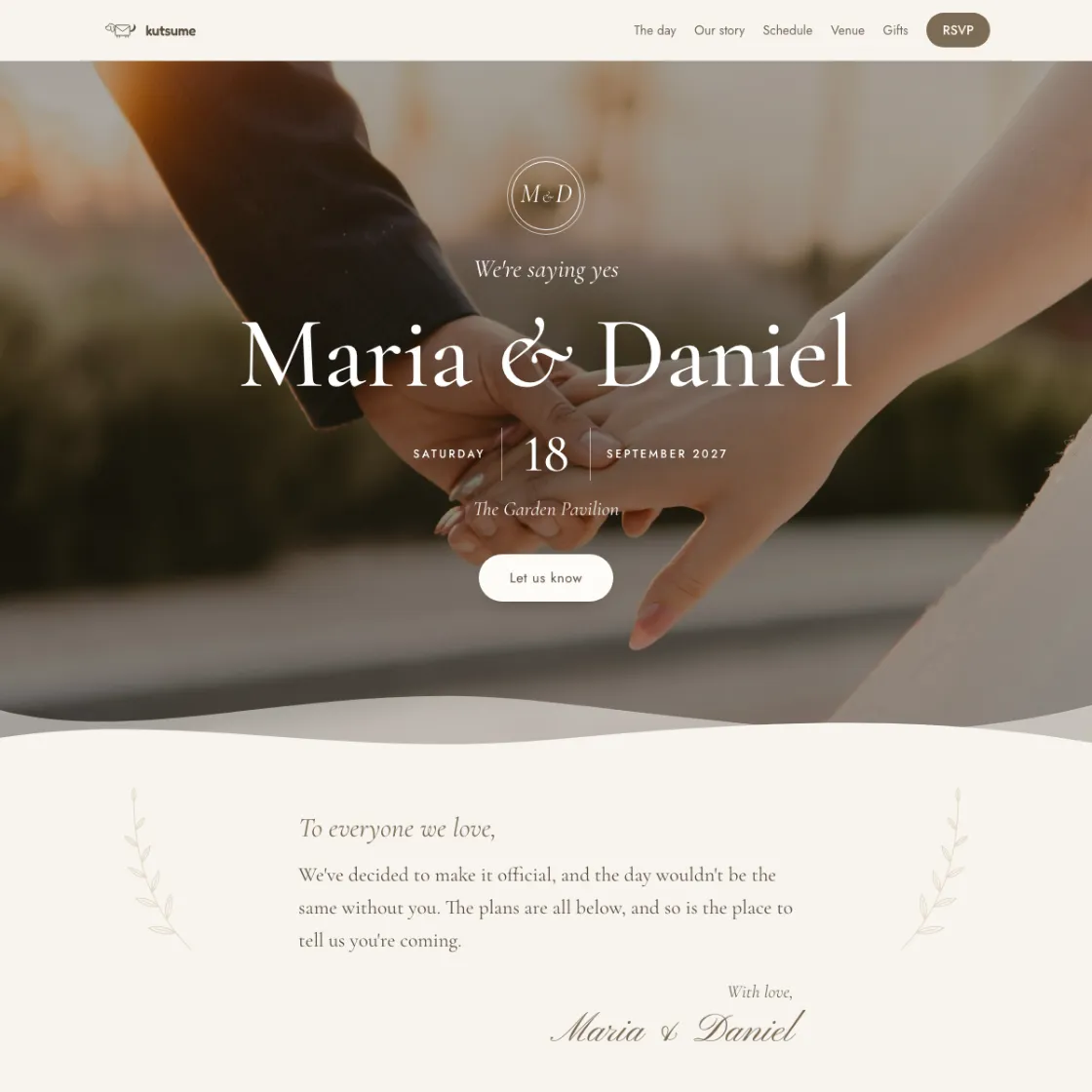

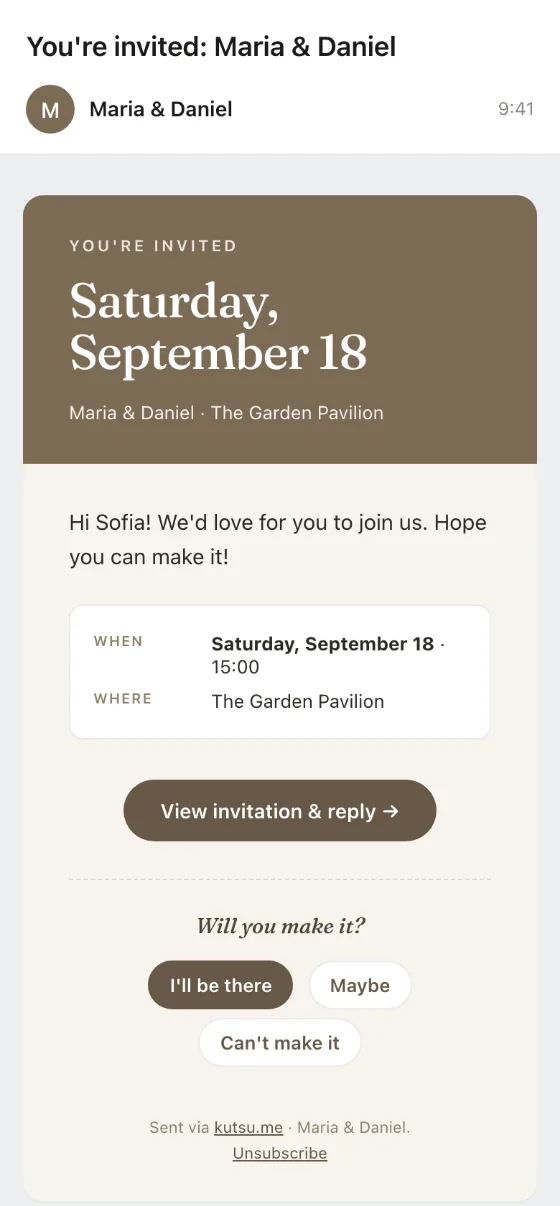
An invitation that does more than invite
RSVP
Guests answer in one tap - and you see it straight away.
Location
Map, address and how to get there.
Games
Some designs have a real game inside - penalties, an arcade, presents down the chimney.
Wishlist
Guests claim a gift, so nothing arrives twice.
Song requests
Guests add the songs that simply have to be played.
Reminders
A quiet nudge for everyone who hasn't replied.
Passcode
The invitation opens from a sealed envelope, only for those who know the code.
After the party
Every photo in one album.
Because this is what usually starts once the invitation goes out.
- Sofia What time does it start? 9:02
- Mihkel Where exactly is it? 9:03
- Anna Can I bring my kid? 9:05
- Tom Can I bring a +1? 9:06
- Laura What should I bring as a gift? 9:07
- Kadri send the address again pls 9:41
Kutsu puts the answers inside the invitation.
How it works
From invitation to replies.
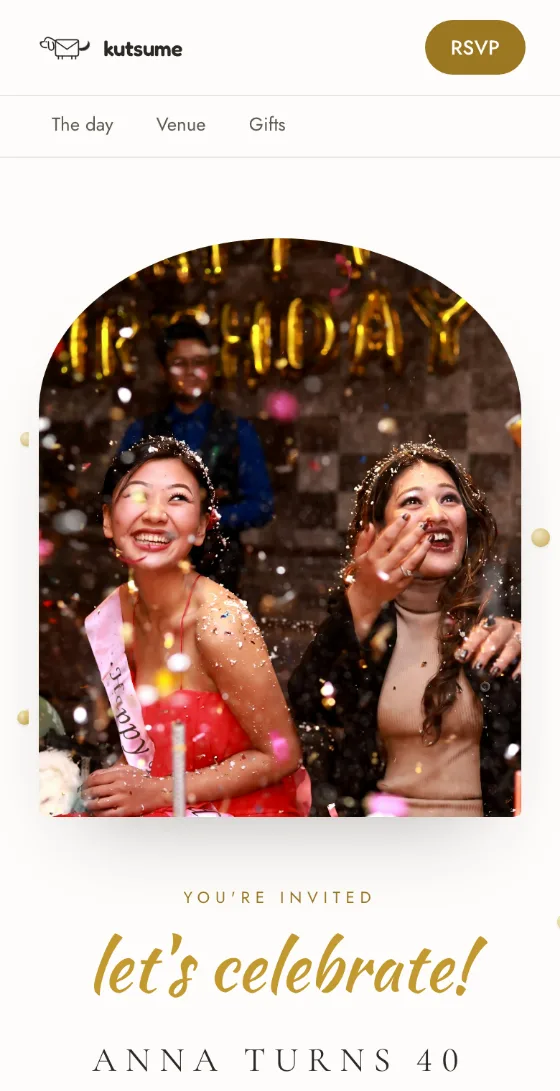
Design the invitation
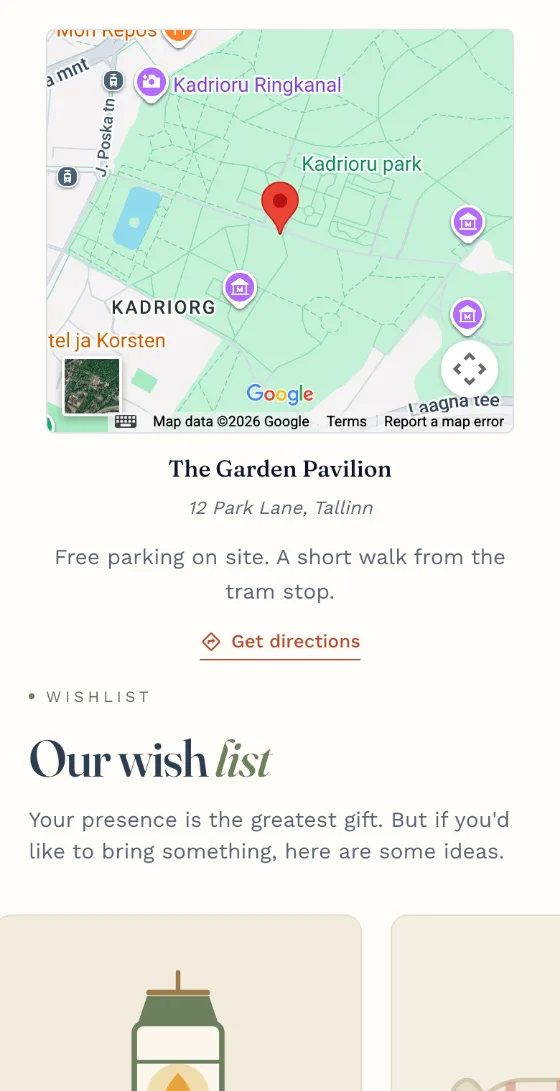
All the details in one place
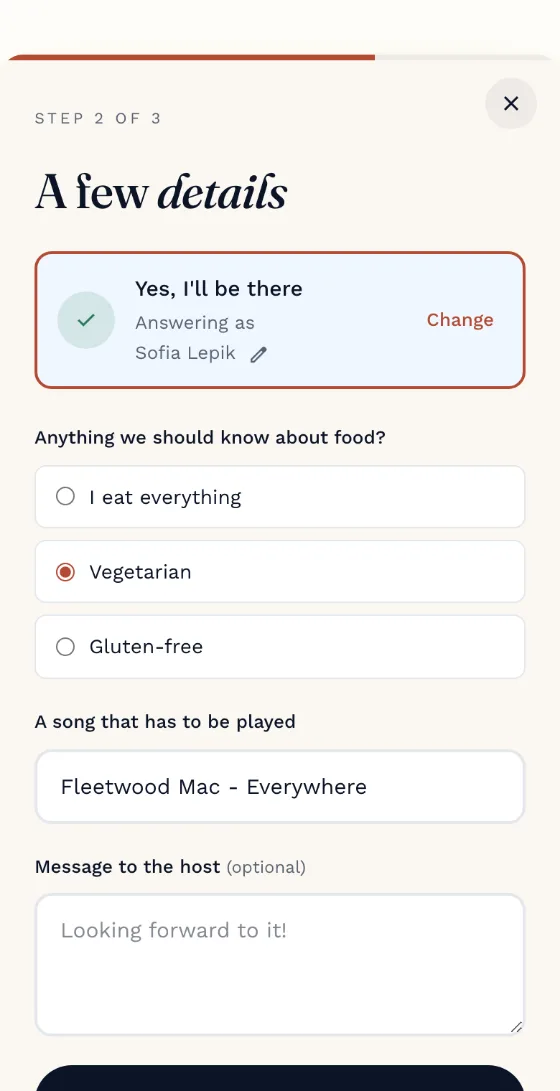
Guests answer
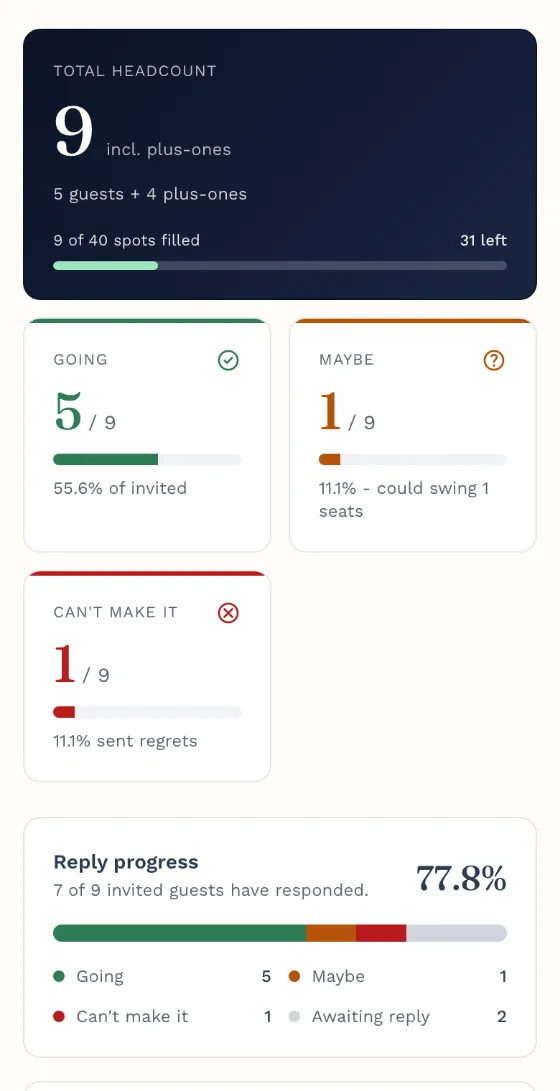
You see who is coming
What are you celebrating?
Designs, wording and answers for the kind of evening you are planning.


Making and sharing an invitation is free.
You pay only when you pick a design marked Premium, or want kutsu.me to send the invitations for you, to ask your guests more than their name or to put the event on a domain of your own.
Free
€0
always
When you hand the invitation out as a link - in a chat, a message or on a card.
- The core designs and all the content
- One-click replies and a live guest list
- A shared wishlist
Premium
€6
once, for this event
When you want kutsu.me to send the invitations and the reminders itself - and your guests to be able to tell you more.
- Emailed invitations, and reminders for the people who go quiet
- Dietary needs, plus-ones and questions of your own
- Every design, and a shared photo gallery afterwards
Chosen for weddings
Signature
€49
once, for this event
When the invitation has to live at your own address and carry only your name.
- Everything in Premium
- Your own domain, connected with our help
- No kutsu.me mark anywhere on the page
Premium and Signature are paid once, for one event - there is no subscription. If you host all year round, there is Pro. See the full pricing
Frequently asked questions
Is making an invitation free?
Yes. The free plan lets you build and share a basic invitation. Premium adds the automation and the fuller guest management.
Do guests need an account?
No. A guest answers in a couple of seconds.
Can I change the invitation after sending it?
Yes. That is the advantage of a single link: changes reach everyone without you sending a new file.
How can I share the invitation?
A Kutsu link can be shared on WhatsApp, Messenger, by SMS or by email. You can also download its QR code, or a card with the QR code on it, and print it so guests can scan straight to the RSVP page.
Where is guest data kept?
In the EU, in line with the GDPR. We use it only to make your invitation work - we never sell it or use it for advertising. Delete the event and your guests' answers go with it.
Who can see my invitation?
Only the people you share the link with. Invitations never appear in search engines or any public listing, and you can add a passcode if you want to be sure.
You bring the party. We bring the invitation.
Make a beautiful invitation, share it with your guests, and let Kutsu make the rest of it easier.
Create a free invitation