Kids' parties
Kids' party invitations
An invitation for the parents as much as for the child: bright enough to show off, clear enough that nobody has to ask what time to pick up. Share it in the class chat as one link.
Make an invitation, freeDesigning and sharing by link is free. No card needed.

Designs for kids' parties
A few of them are small games: the block runner, the rainbow bridge and the arcade blaster can be played right on the invitation.
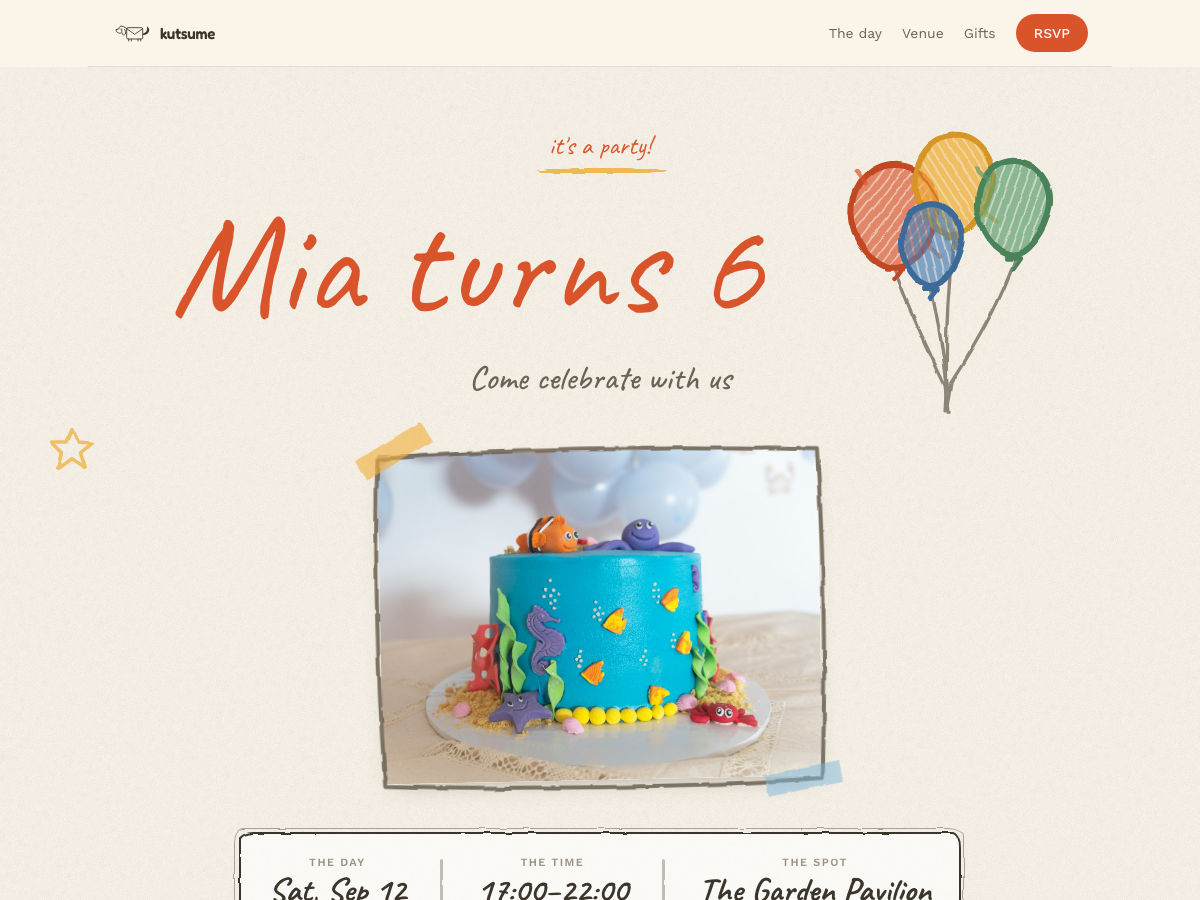
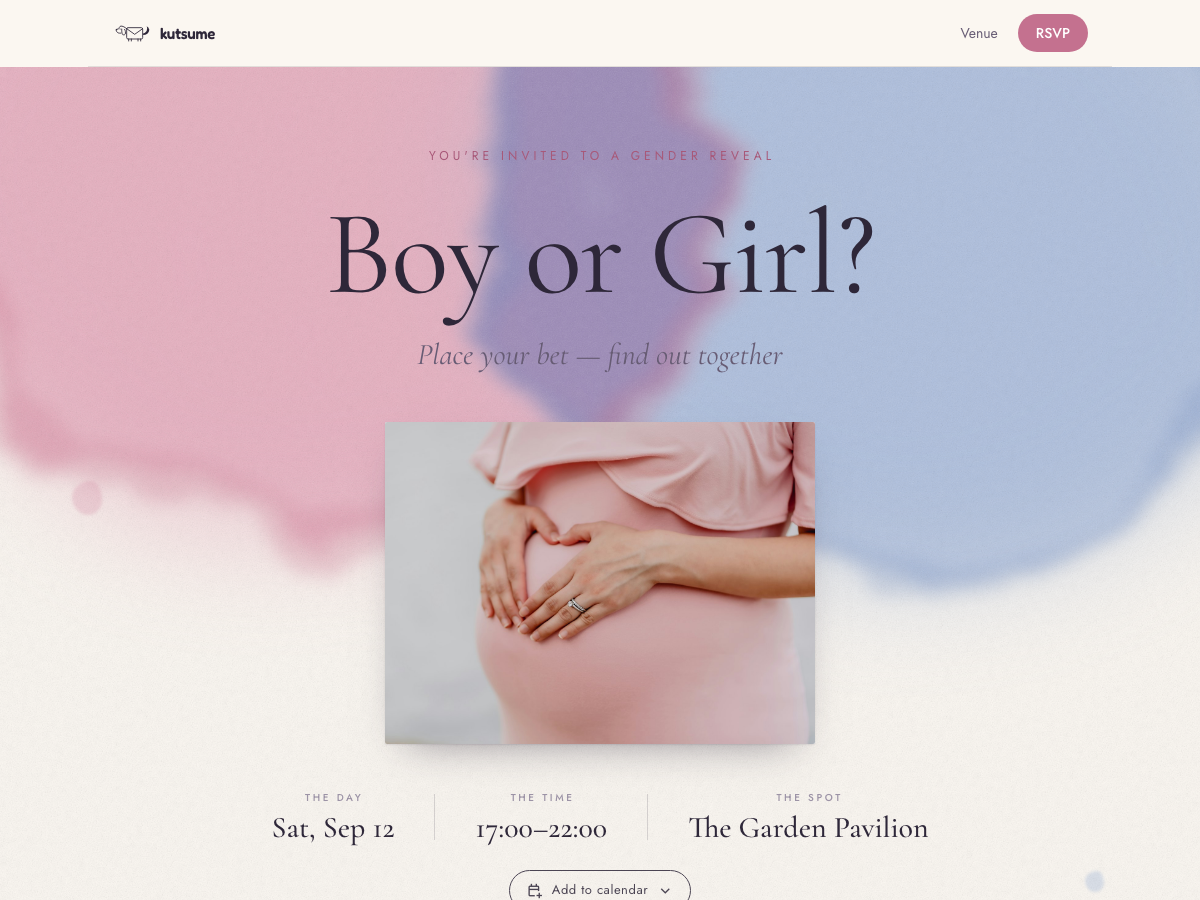
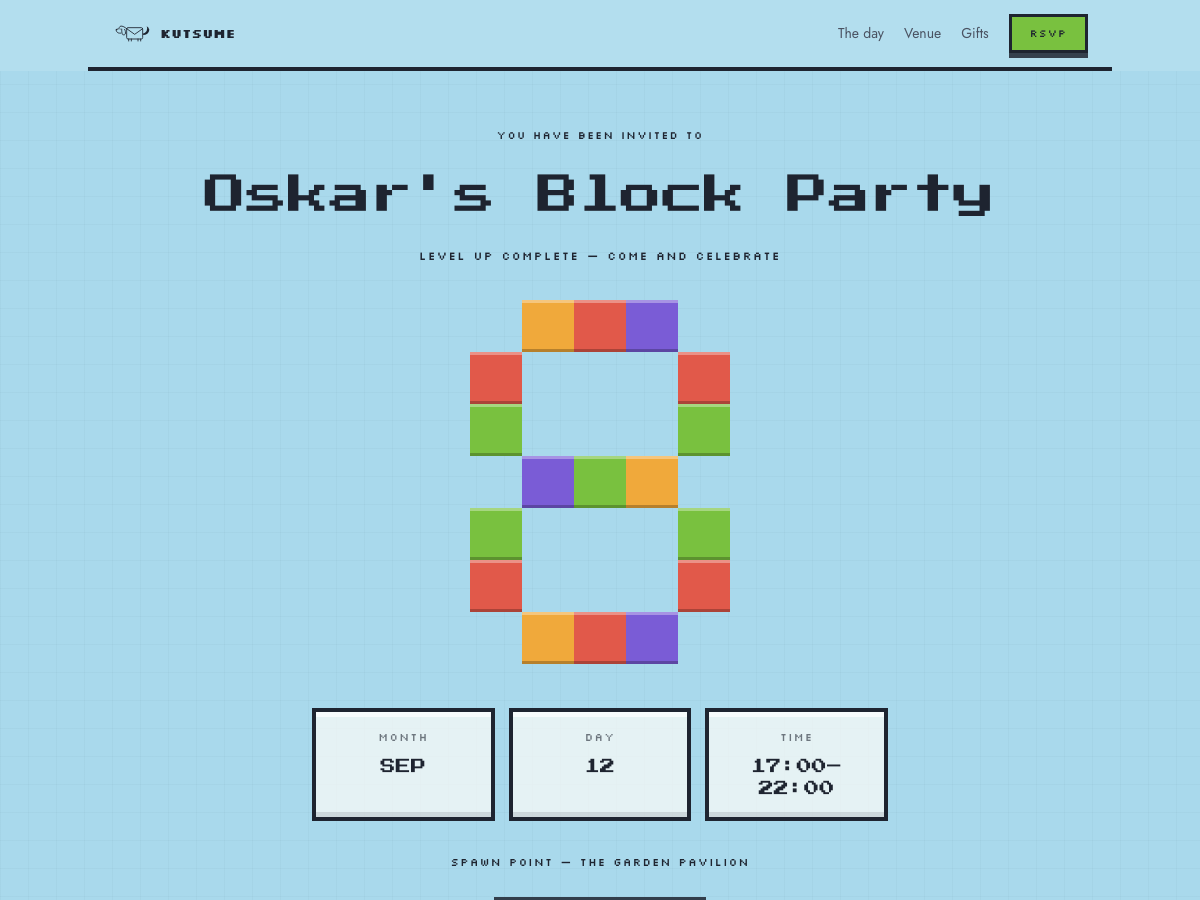
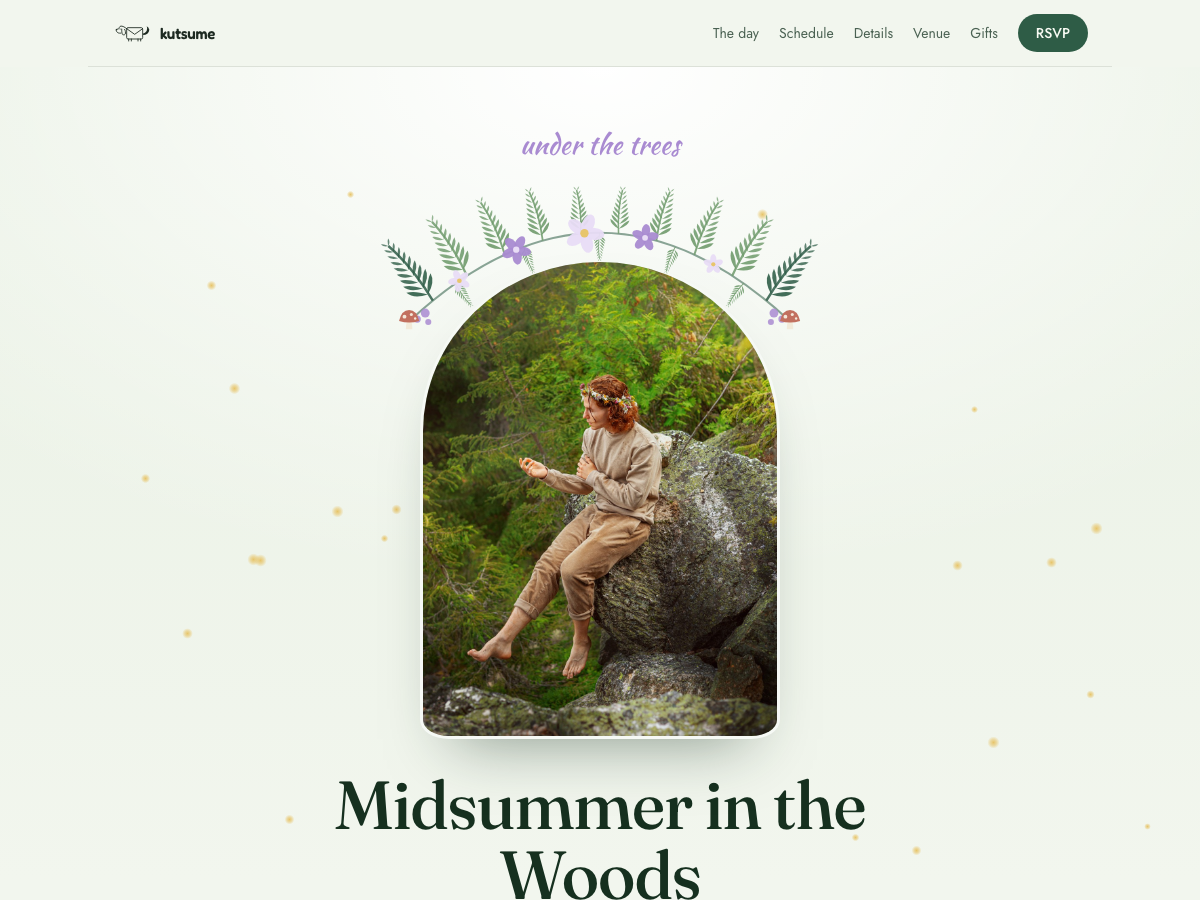
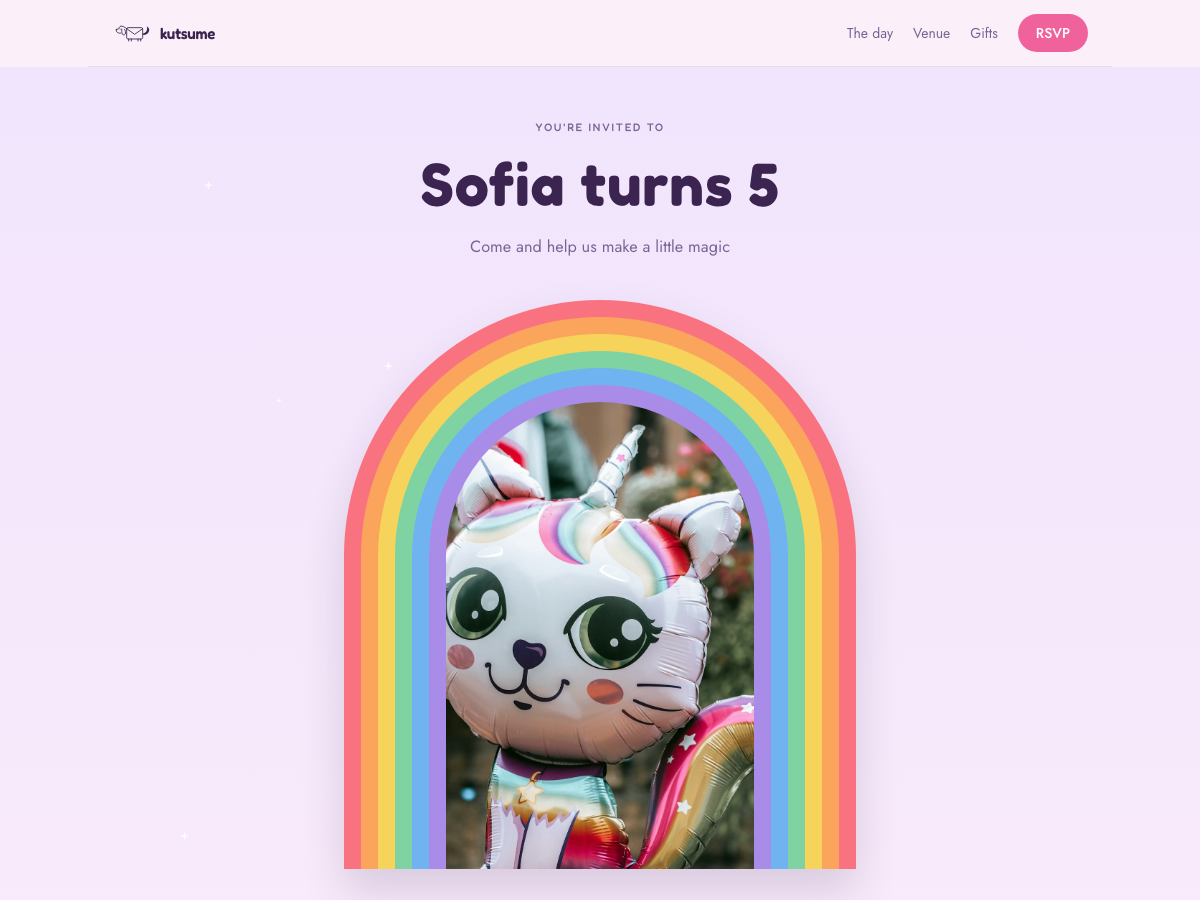
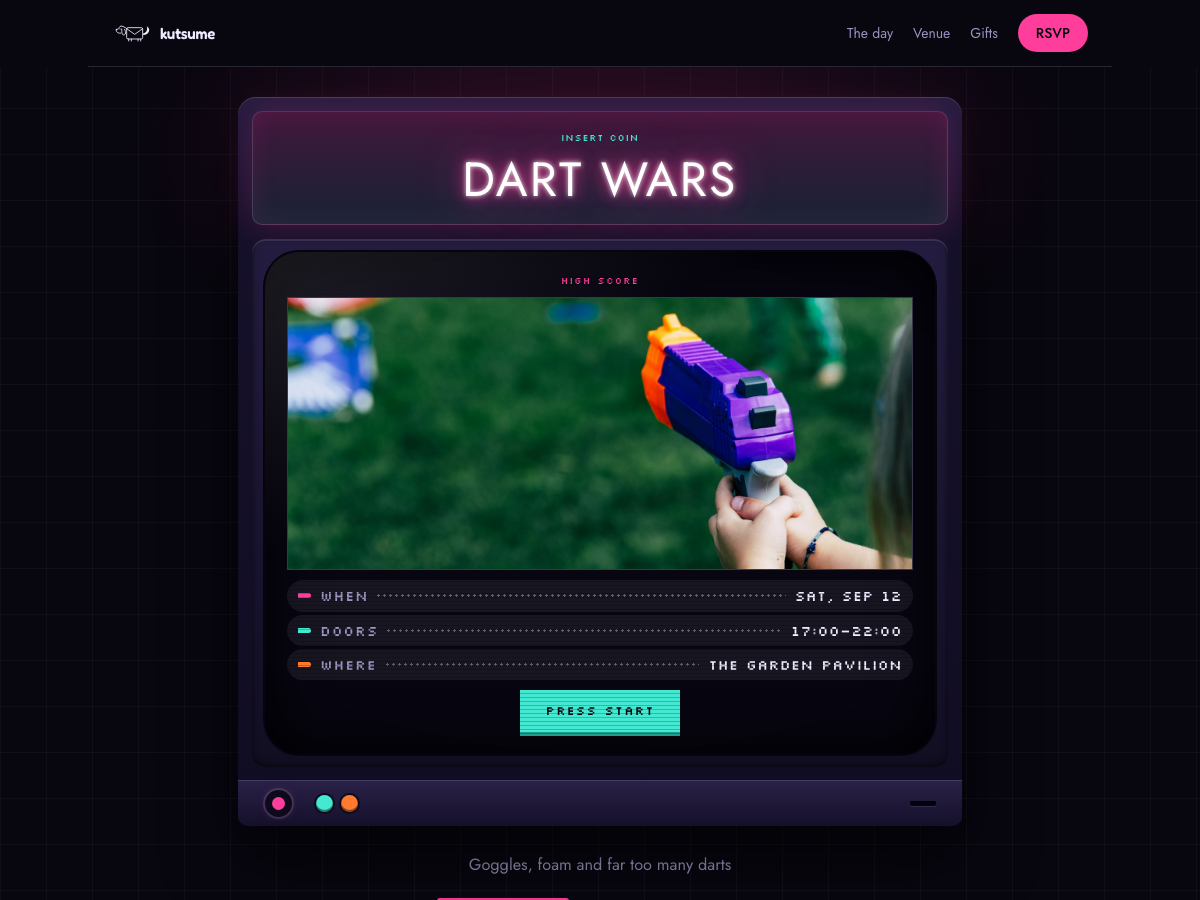


Designs marked Premium come with the Premium pass, bought once for that one event. See pricing
What to put on a kids' party invitation
Drop-off and pick-up times
Parents plan around the end time more than the start. Put both on the invitation.
Whether parents should stay
"Drop-off party" or "grown-ups welcome for coffee" — one line saves a dozen messages.
The venue, with directions
A play centre or a park appears on a map with a directions link. Use the "Getting there" note for the entrance, the room or where to park.
What to bring
Grip socks for the trampoline park, a swimsuit, a costume. Say it once here and you will not answer it fifteen times.
Gift ideas
Link a wishlist and parents reserve a present, so the birthday child does not unwrap three of the same thing.
Kids' party invitation wording
Copy one, change the name, age and time, and paste it into your invitation.
Classic
Emma is turning 6! Come and celebrate with games, cake and a treasure hunt on Saturday from 12 to 3 pm. Parents are welcome to stay for coffee.
Themed
Calling all superheroes! Oskar's 8th birthday mission starts at 2 pm on Sunday. Costumes encouraged, capes optional.
Activity party
Lena is 10 and wants to jump! Join us at the trampoline park on Saturday, 11 am to 1 pm. Please bring grip socks — pizza is on us.
Sleepover
Pyjamas on! Mia's 7th birthday sleepover starts on Friday at 6 pm and ends with pancakes at 10 the next morning.
Outdoors
Karl turns 5 and the park is ours! Games, cake and a bouncy castle on Saturday from 11 am. Bring wellies if it rains.
Science party
Calling young scientists! Join Robin's 9th birthday for experiments, slime and one small bang on Sunday at 2 pm.
How it works
Pick a design
Every design takes your own photo, date, place and words.
Share the link
In WhatsApp, Messenger, a text or an email — or as a QR code on a printed card.
Watch the answers arrive
Guests reply in one tap, without an account, and the guest list fills itself in.
Questions hosts ask
Who answers — the parent or the child?
Usually the parent. Every reply asks for a name, and parents simply type their child's, so you watch the class list fill in.
Can I ask about allergies?
Yes, with Premium: add a question of your own, such as allergies or whether a sibling is coming, and the answers are tallied for you. On a free event guests answer yes, no or maybe with their name, and you can mention allergies in the invitation text.
How do I send it to the whole class?
Post the link in the class or parents' chat, or print its QR code on a card for the school bags. Everyone opens the same page.
Is it free?
Designing the invitation and sharing it as a link is free, and so are the replies and the wishlist. You pay once, for that one event, only if you want kutsu.me to email the invitations and reminders, to ask guests more than their name, or to use a Premium design.
Make the invitation before the class chat asks
Pick a design, add the time and the place, and share one link with every parent.
Make an invitation, free