Build your invite list
The invite list is the set of people you plan to email. Add them in whichever way is quickest.
Two ways in
- Add one by one - quickest for a handful, with fields for name, email, group, plus-ones and a private note.
- Paste emails or names - one guest per line, in whatever shape your other list is in. kutsu picks the names and addresses apart for you and can drop the whole batch into a group.
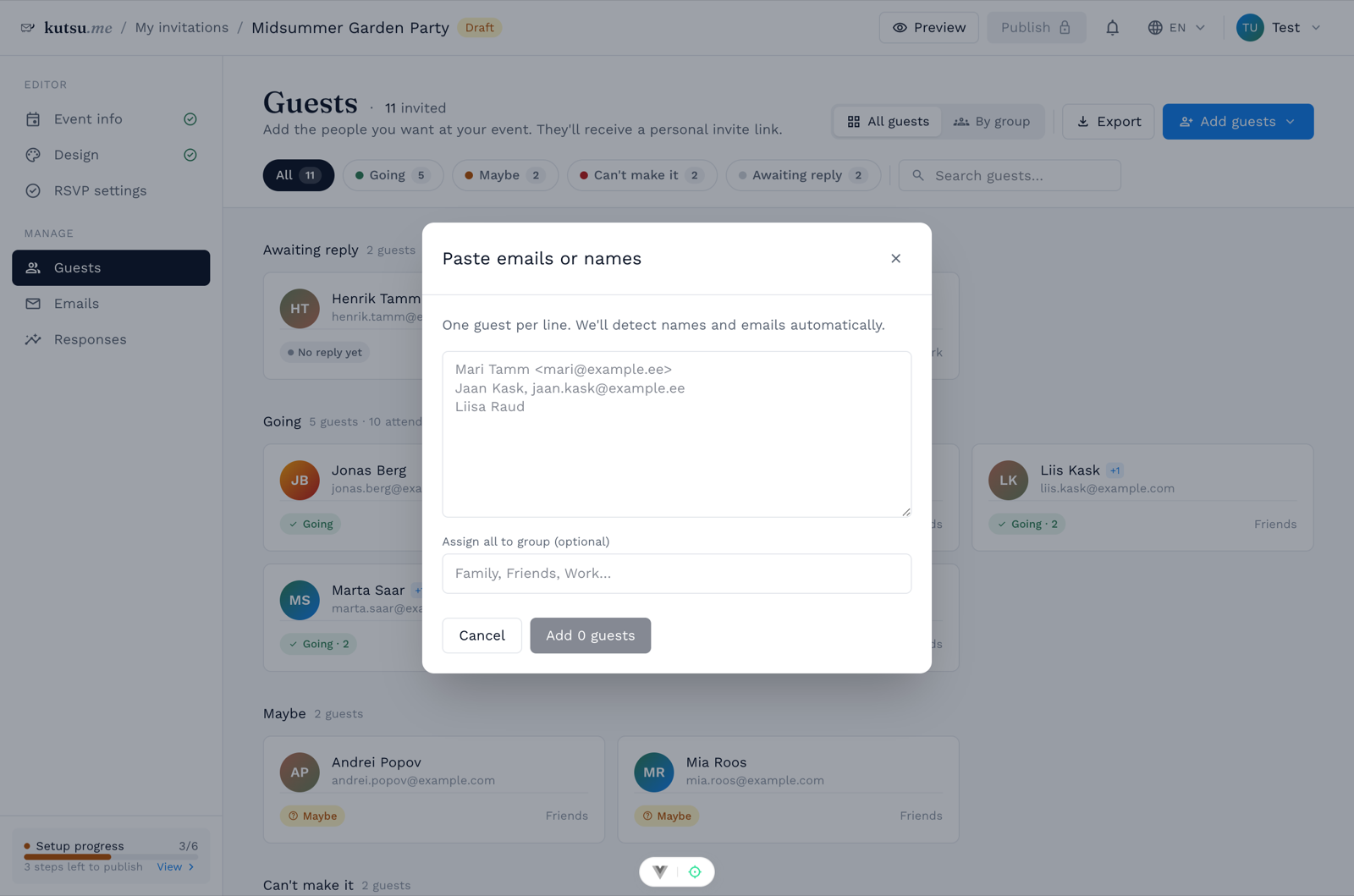
Groups and plus-ones
Tag guests with a group - Family, Work, Bride's side - to view the list grouped and to target an email at one group later. Bringing a partner or children is a different setting: allow plus-ones on RSVP settings so each reply can carry a headcount.
What the list shows you
Each guest carries their own status: not sent, invited, opened, clicked, bounced or unsubscribed, alongside their RSVP. That is how you spot the address with a typo before the deadline rather than after it.
Sending to this list is part of Premium. A free event is shared as a link instead - guests who open it can answer and add themselves, and you can add anyone by hand from Responses. No plan limits how many guests you may have.
You can export the guests of any event to CSV, and privacy runs the other way too: guests never see each other's contact details.